If your platform standard is Red Hat Enterprise Linux (RHEL), this update makes life easier. Hyperglance now ships UBI9-based container images by default via our installer and Helm chart.
Why This Matters
- RHEL-friendly by design: UBI (Universal Base Image) is Red Hat’s enterprise container OS.
- Security-first: Built on DoD Platform One Iron Bank base images—STIG-hardened and FIPS-compatible; those base layers are open-source for transparency.
- Automatic FIPS: On FIPS-enabled RHEL hosts, Hyperglance images auto-enable FIPS.
- Flexible paths: Ubuntu-based images remain fully supported.
“We’re excited to offer UBI images to deliver the best experience for customers in the Red Hat ecosystem.” - David Gill (CTO)
What About PostgreSQL?
Our PostgreSQL container hasn’t moved to UBI9 yet. If you need an end-to-end UBI footprint today, simply point Hyperglance at an external PostgreSQL service (e.g., Amazon RDS/Aurora). We’ll ship a UBI9 Postgres image soon.
Are the Containers Open-Source?
Hyperglance’s application containers are proprietary. The Iron Bank base layers we build on are open-source, STIG-hardened, and FIPS-compatible.
Next Steps
- New deployments: You’ll get UBI9 by default.
- Existing RHEL customers: You can switch to UBI on your timeline; Ubuntu images aren’t going anywhere.
Need help? We can share a short switch-over checklist or hop on a quick call.
Schedule an Overview
Want to see more? Book a quick call with our team to get a personal walkthrough of the updates. Use the scheduler below to pick a time that works for you.
Why Teams Choose Hyperglance in 2026
Hyperglance is a strong fit when cost data alone doesn’t give your team enough context.
That often happens when teams are asking questions like:
- What is running across our cloud estate?
- Who owns this resource?
- Why did this cost change?
- What else depends on it?
- Is it safe to clean up?
- Which policy, security, or compliance issue needs attention?
- Can we route this to the right owner or trigger an approved action?
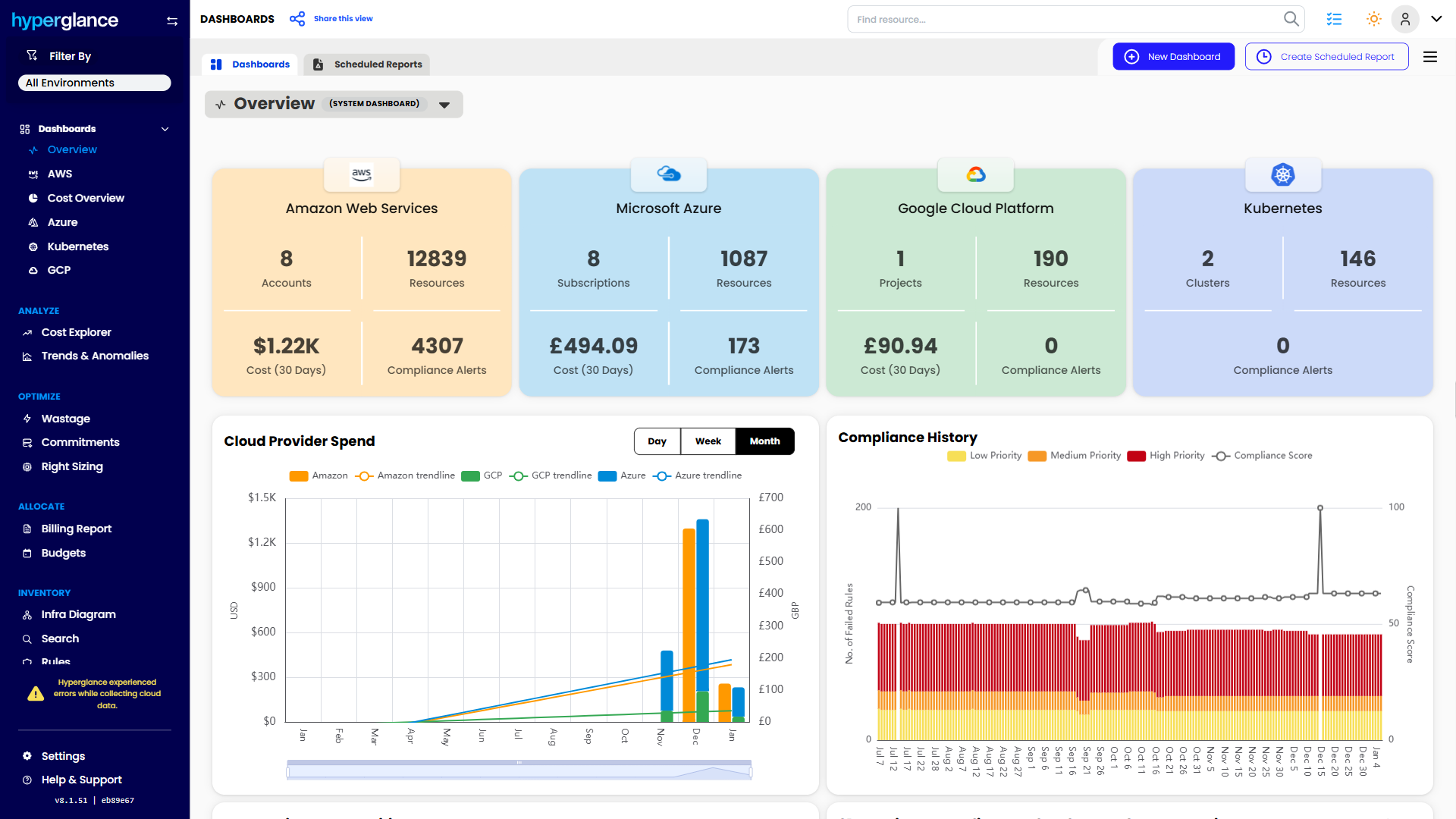
We help teams connect cloud cost to infrastructure context across AWS, Azure, Google Cloud, and Kubernetes. That means FinOps, CloudOps, platform, security, and leadership teams can work from the same view.
Hyperglance is especially useful for mid-market, enterprise, MSP, public sector, and regulated teams where ownership, governance, automation, and data control matter.
What You Can Do With Hyperglance
- See cost, resources, relationships, and ownership in one place
- Visualize cloud architecture with interactive diagrams
- Find waste, policy issues, and cost anomalies faster
- Route findings to the right team through existing workflows
- Use no-code automation for approved fixes
- Run Hyperglance in your own environment when data control matters
Want to see where Hyperglance fits in your FinOps stack?
Explore the product, start a free trial, or book a demo with the team.

About The Author: Stephen Lucas
As Hyperglance's Chief Product Officer (CPO), Stephen is responsible for the Hyperglance product roadmap. Stephen has over 20 years of experience in product management, project management, and cloud strategy across various industries.