
Cloud Automation & Remediation
No-code Actions that Cut Waste & Push Follow-up into Jira & ServiceNow

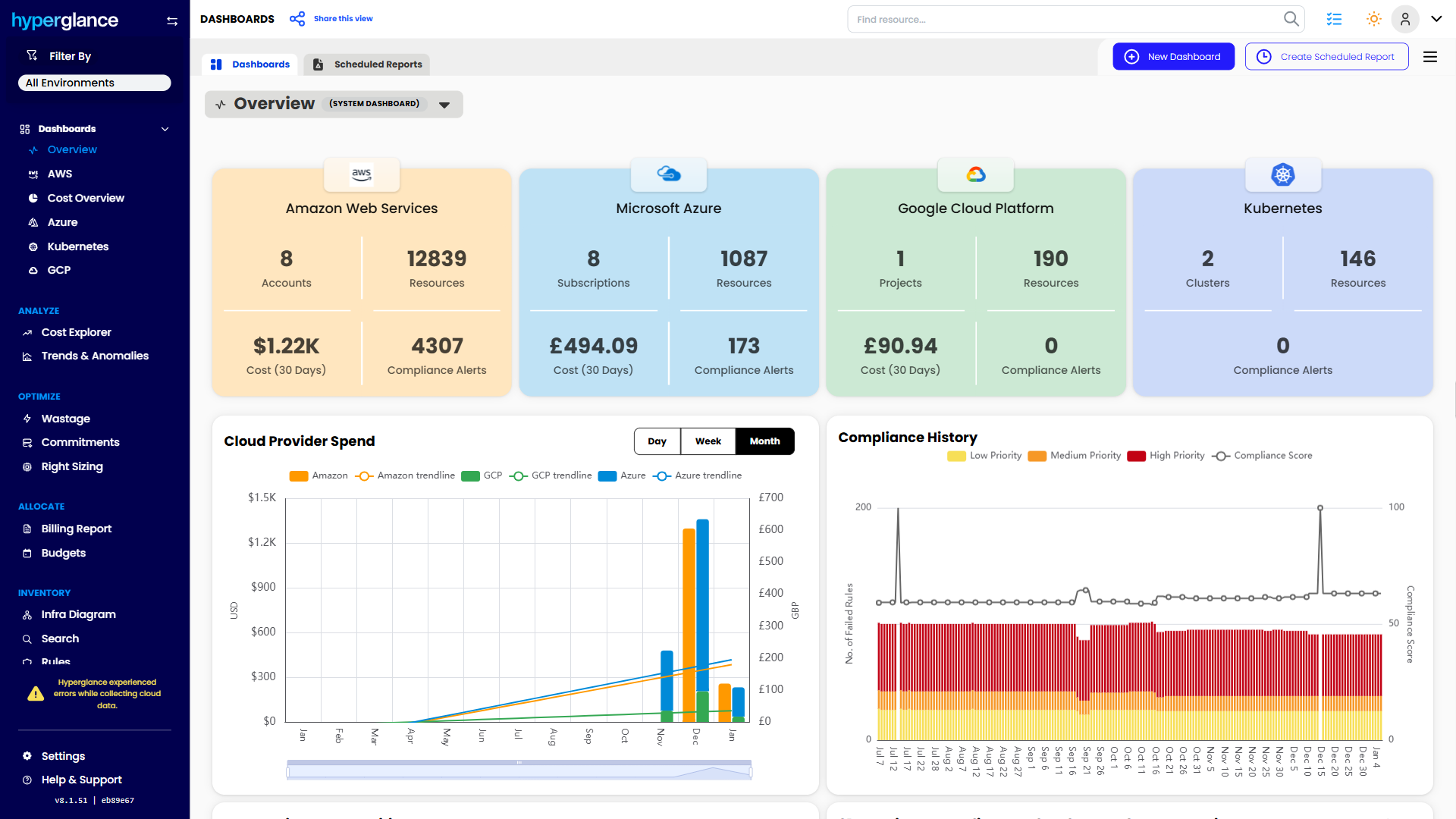






















Fix Issues Fast With Rules + Actions
Standardise your responses: Turn best practice into repeatable actions, so fixes don’t depend on who’s on call.
Stay in control: Run actions manually when you want, then switch to rule-based runs once you trust the outcome.
Cut ticket back-and-forth: Create/update work in Jira/ServiceNow when a rule matches, so issues land with the right owner.
Target the right resources: Apply actions only when conditions match, so you avoid surprises.
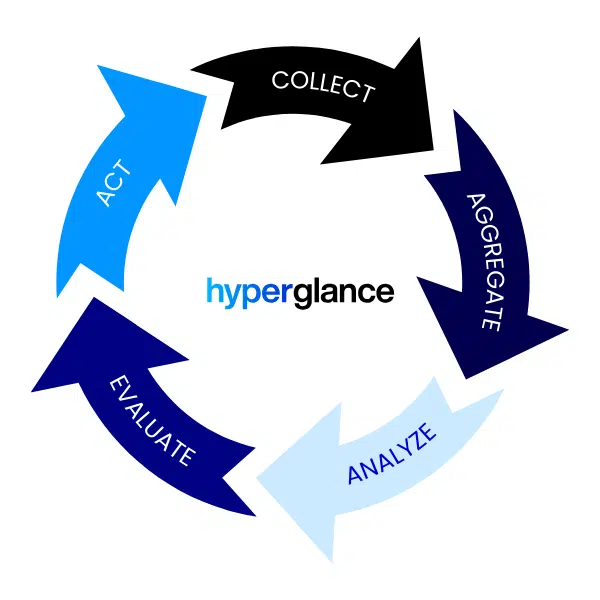

Reduce Waste Without Constant Chasing
Stop idle spend automatically: Schedule start/stop for non-prod and out-of-hours workloads.
Tackle common savings fast: Handle repeat cost issues that teams rarely get time to clean up.
Turn findings into tracked work: Raise Jira & ServiceNow tickets for repeat waste, so it actually gets fixed and stays fixed.
Save engineering time too: Remove manual cleanup work so teams can focus on delivery.
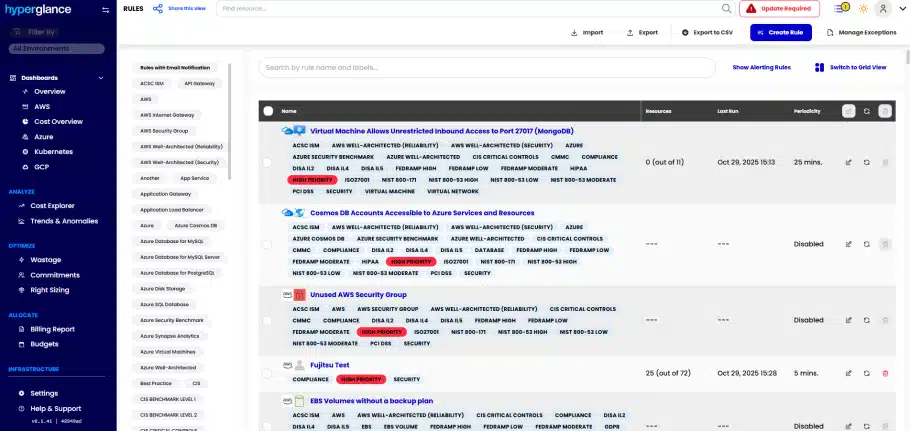
Example of built-in Cloud Automation Checks & Rules
Keep Standards in Place as You Scale
Make guardrails routine: Keep good practice running without relying on reminders and heroics.
Fix small issues early: Handle hygiene, risk, and compliance problems while they’re still simple.
Notify the right people: Push issues into Jira & ServiceNow, and notify teams in Slack or email when it matters.
Scale governance with confidence: Apply the same standards across accounts and subscriptions as you grow.
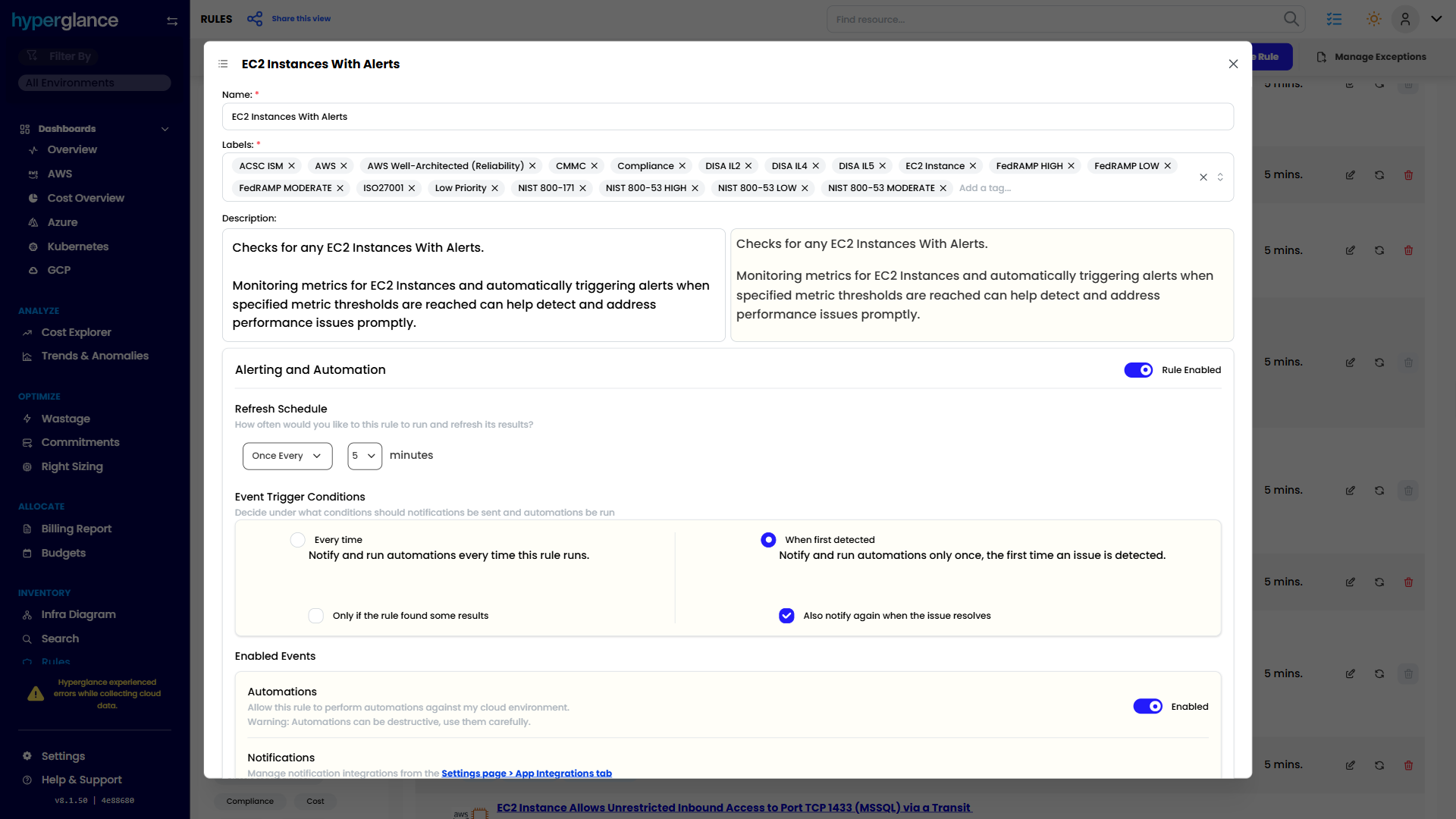
Editing an Automation in Hyperglance

Make Smarter, Faster FinOps Decisions
See where cloud spend is going, what’s driving it, and what needs attention next.

Explore Costs
Visualize multicloud spend using interactive diagrams, heatmaps, and tag-based breakdowns.

Trends & Anomalies
Spot cost trends and anomalies in real time, with alerts that help you investigate changes faster.

Custom Dashboards
Build dashboards around the cost, budget, and allocation metrics your team needs.

Manage Budgets
Set fixed & rolling cloud budgets, track real-time spend, and get alerted when it matters.

Generate Billing Reports
Create and schedule multi-cloud billing reports for chargebacks, showbacks, and internal reporting.

Cost Centers
Model cost centers and allocate multi-cloud spend for chargebacks, showbacks and budgets.
Coming Soon

Manage Commitments
Track Reserved Instances and Savings Plans, monitor utilization, and reduce wasted committed spend.

Right-Size Resources
Find over- and under-provisioned resources and reduce unnecessary compute costs.

Identify Waste
Find idle, orphaned, and unnecessary resources using a wide range of built-in wastage checks.

Automate Optimization
Trigger actions from configurable rules to handle recurring cost and resource issues automatically.

Integrations
Connect Hyperglance to your cloud platforms and tools, including Jira, ServiceNow, Slack, and Teams.

Connect AI Agents
Connect AI agents to Hyperglance via MCP so they can work with your cloud data and tools.
Built for Complex Cloud Environments
Run Hyperglance in your environment, connect multiple clouds, and support security, governance, and access requirements.

Self-Hosted by Design
Run Hyperglance in your own environment, keeping deployment and cloud data under your control.

Multicloud by Default
Connect AWS, Azure, GCP, and Kubernetes for one view of your cloud inventory.

Diagrams & Inventory
Explore automatically generated cloud diagrams alongside detailed multi-cloud inventory.

Security & Compliance
Find security and compliance issues using built-in checks mapped to industry frameworks.

Tag Management
Standardize, normalize, and group tags to improve allocation, reporting, and ownership.

GovCloud Support
Support AWS GovCloud and Azure Government alongside commercial cloud environments.

SAML as Standard
Use your existing SAML identity provider for secure, centralized access to Hyperglance.

RESTful API Access
Use Hyperglance’s REST API to access data and connect with your existing workflows.
You're Among Friends
Cloud Professionals worldwide choose Hyperglance to manage & optimize their cloud.
Cloud Engineers, Architects & Operations
FinOps & Cloud Economists
DevOps, SRE, SecOps & InfoSec
MSPs & Consultants

The FinOps Tool for Every Stakeholder
Find out why so many Cloud & FinOps teams are making the move from tools like CloudHealth and Cloudability to Hyperglance.
91% of Fortune 100 Companies Use Partner Solutions
We're part of all 3 cloud partner networks - AWS, Microsoft Azure, and Google Cloud. That independent validation means we align with provider best practices, integrate cleanly with first-party APIs and billing data, and meet enterprise security and support standards, so procurement is smoother and adoption is faster.

Our Latest Thinking
All things Cloud & FinOps, including guides, tips, and product updates from our blog.
-

FinOps Certifications & Training
A regularly updated guide to official FinOps Foundation certifications and training, including course costs, learning paths, and links to each course.
-
Hyperglance Setup Is Now Easier With Guided Onboarding
Hyperglance’s new setup experience guides you through connecting cloud environments step by step, with clearer management of environments, cost sou...
-
COIN Score In FinOps: Cost Optimization Index Explained
COIN Score gives FinOps teams a simple way to measure known cloud cost efficiency. But the number only helps if you trust the savings opportunities...



-
FinOps Certifications & Training
A regularly updated guide to official FinOps Foundation certifications and training, including course costs, learning paths, and links to each course.
-
Hyperglance Setup Is Now Easier With Guided Onboarding
Hyperglance’s new setup experience guides you through connecting cloud environments step by step, with clearer management of environments, cost sou...
-
COIN Score In FinOps: Cost Optimization Index Explained
COIN Score gives FinOps teams a simple way to measure known cloud cost efficiency. But the number only helps if you trust the savings opportunities...